
A donation flow, not a checkout
The screen asks for a donation, not a product payment. The donor picks an amount and finishes with one tap.
Accepting donations
A physical donation terminal for the places where your supporters already are. The donor picks an amount on the screen and taps a card or a phone.
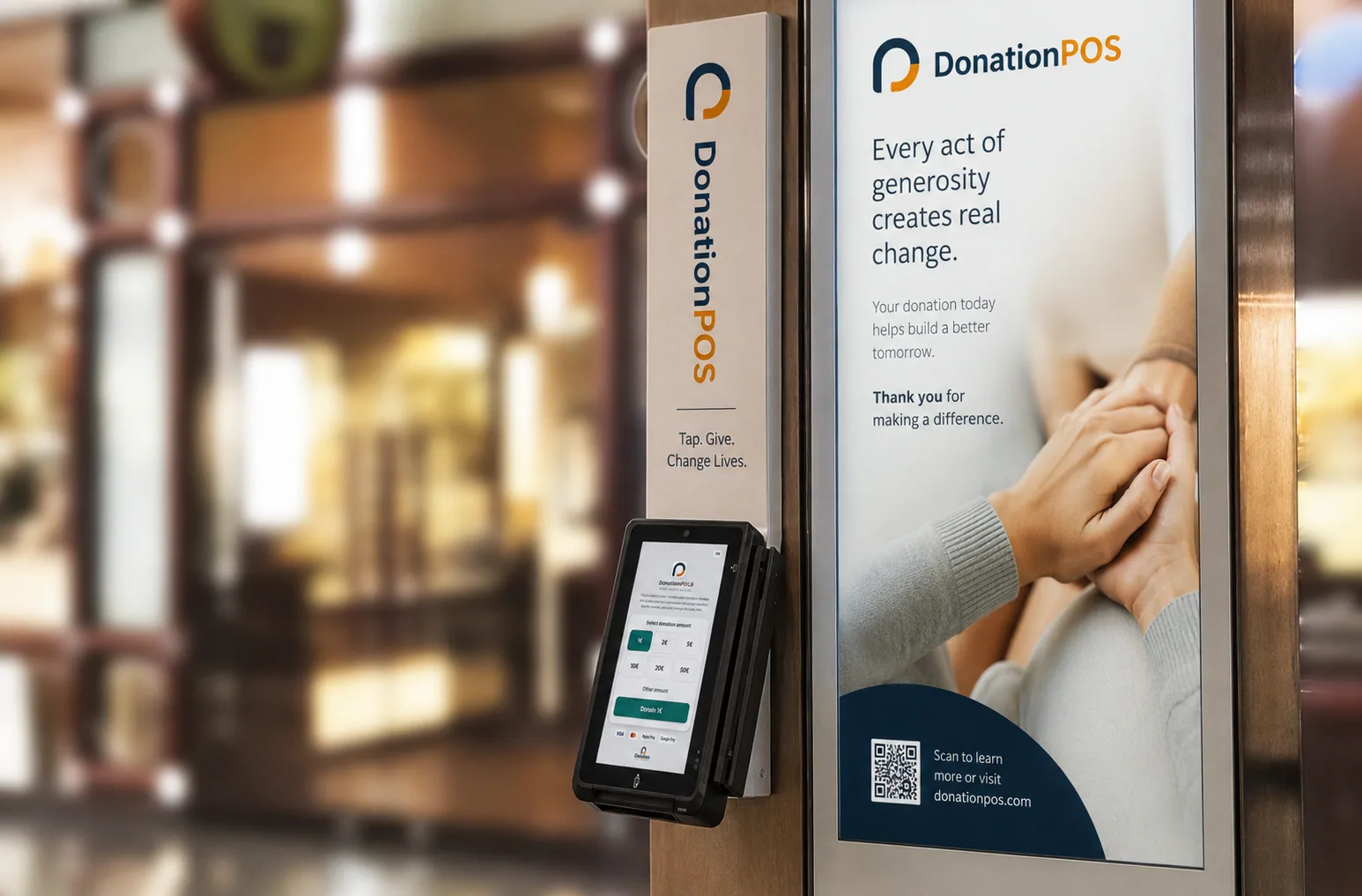
The terminal is designed for places where the donation happens in front of other people — so it has to be quick, discreet and self-explanatory.
The screen asks for a donation, not a product payment. The donor picks an amount and finishes with one tap.
Suggested amounts for speed, with a free amount for anyone who wants something else.
Stands and enclosures designed for churches, foyers and public spaces.
The donation screen appears in the visitor's language, which matters in places with visitors from abroad.
Each terminal belongs to a donation point, so its performance is visible on its own.
Each organisation's equipment is tracked by serial number and status.
The organisation is verified and receives its own payment account.
The terminal arrives configured and bound to its donation point.
The visitor picks an amount and pays contactlessly with a card or phone.
The transaction is recorded and the amount settles to the organisation's account.
The terminal is a channel — not a separate system.
Terminal gifts appear alongside QR, online and recurring donations.
Each terminal belongs to a donation point with its own performance.
Income, fees and settlements are tracked in the same system.
The status and serial number of each device are held per organisation.
The flow is designed for a donation rather than a sale, and the transaction is recorded as a donation to the organisation, with the reporting that follows from that.
Not necessarily. For fully unattended operation there is the touch-screen kiosk.
In-person card acceptance depends on the payment provider supporting that specific country, and is confirmed during onboarding.
The organisation is always the issuer. The platform holds the data and the configuration required.
Talk through which donation point is better served by a physical terminal, and which by QR or a kiosk.