
Fully self-service
The visitor completes the donation alone, with no help from staff.
Accepting donations
A larger touch screen for points that run without staff, using the same donation flow as every other channel.
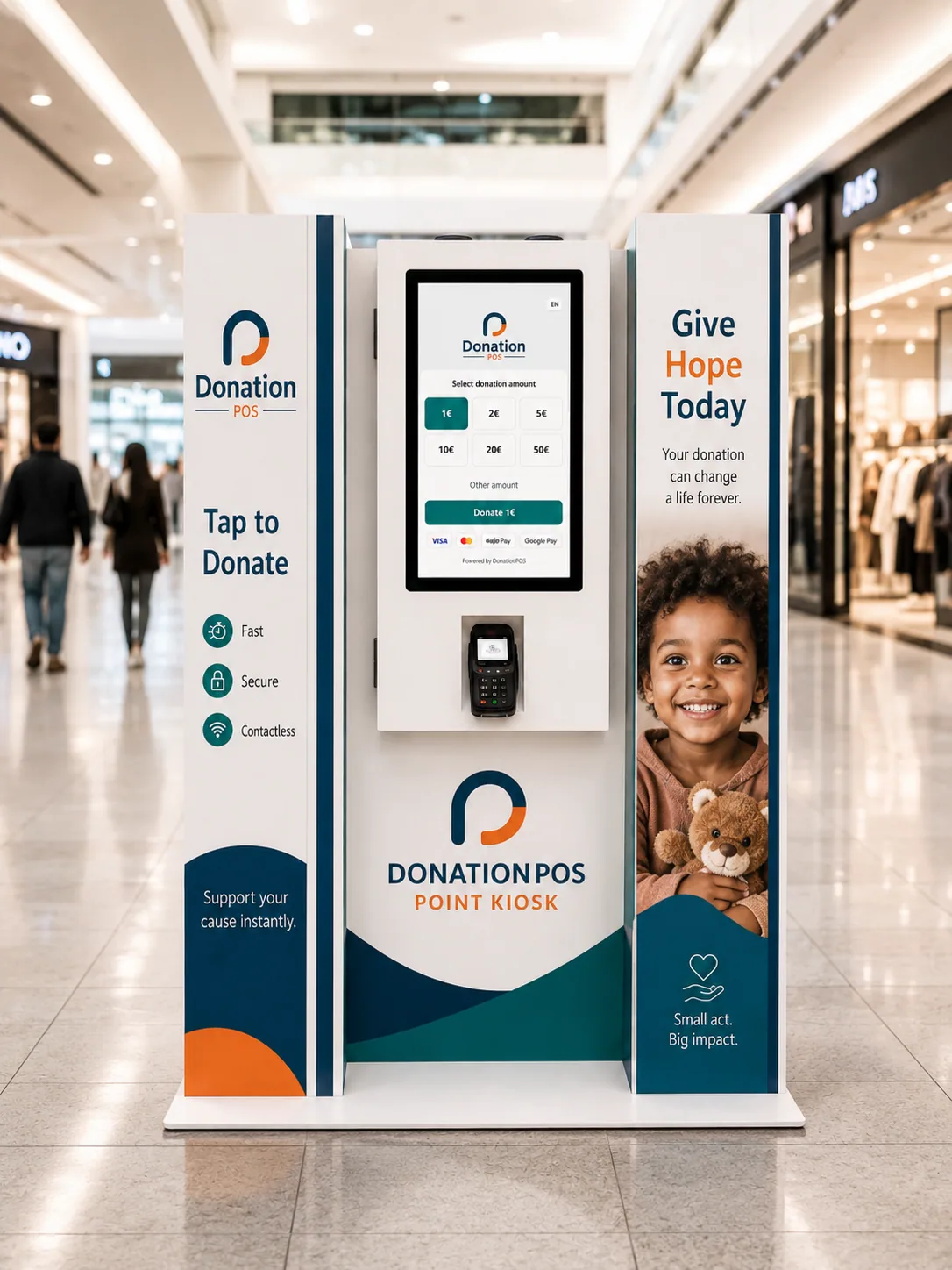
The kiosk is for spaces where nobody can stand next to the device and explain it.
The visitor completes the donation alone, with no help from staff.
The screen shows the organisation receiving the gift, with its own material.
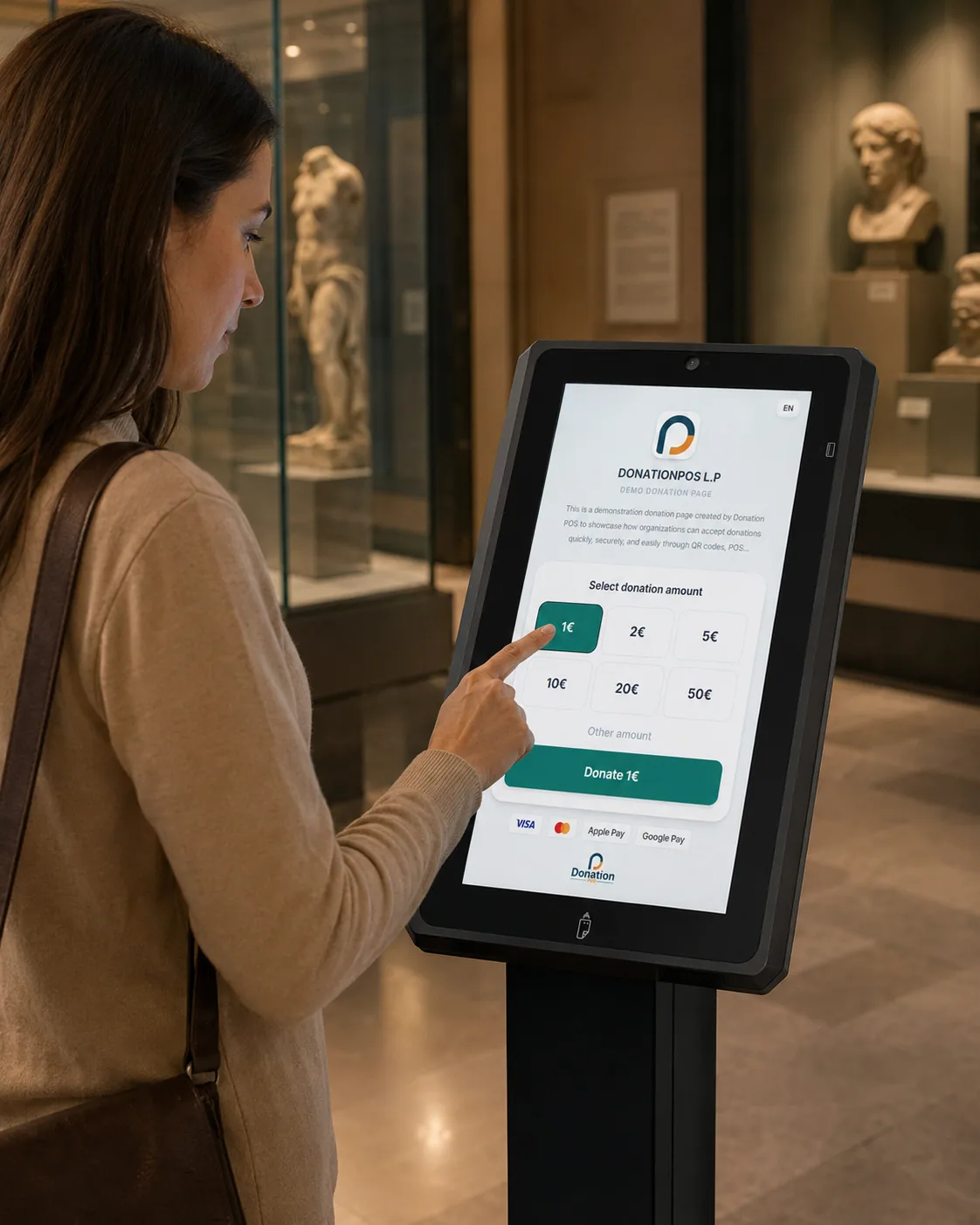
The donation interface is multilingual, which matters in places with visitors from abroad.
Suited to a museum entrance, a foyer or a fixed point in a public space.
Gifts are recorded with every other channel, not in a separate system.
Each kiosk belongs to a donation point with its own performance reporting.
TOUCH SCREENS / KIOSK
Place a touch screen in your space — a church, a museum, an event or a shop — and the visitor completes their donation with one touch, in seconds, by card or Apple/Google Pay. The same branded donation experience, on every device.
The installation point and its corresponding record are defined.
The screen is placed in the space and bound to its donation point.
The visitor selects an amount on screen and completes the donation alone.
The gift is recorded and the amount settles to the organisation's account.
A kiosk is a donation point with the same standing as any other.
You can see what this installation produces relative to the others.
A kiosk can be tied to a specific purpose or appeal.
The device is tracked by serial number and status.
Amounts reach the organisation's account as with every other channel.
No. The kiosk exists precisely for points that operate unattended.
Yes — the screen shows the organisation and can be tied to a specific purpose.
Availability depends on the venue's connectivity. Network requirements are reviewed before installation.
Museums, cultural venues, foyers and permanent points with regular footfall.
Talk through where it goes, what it shows and how its performance will be measured.