“When can I find the manager?”
Residents start on their own phones, without arranging a meeting to hand over cash.

ZEUS SOFT POS · FOR RESIDENTIAL BUILDINGS
One point at the entrance. An easier everyday routine.
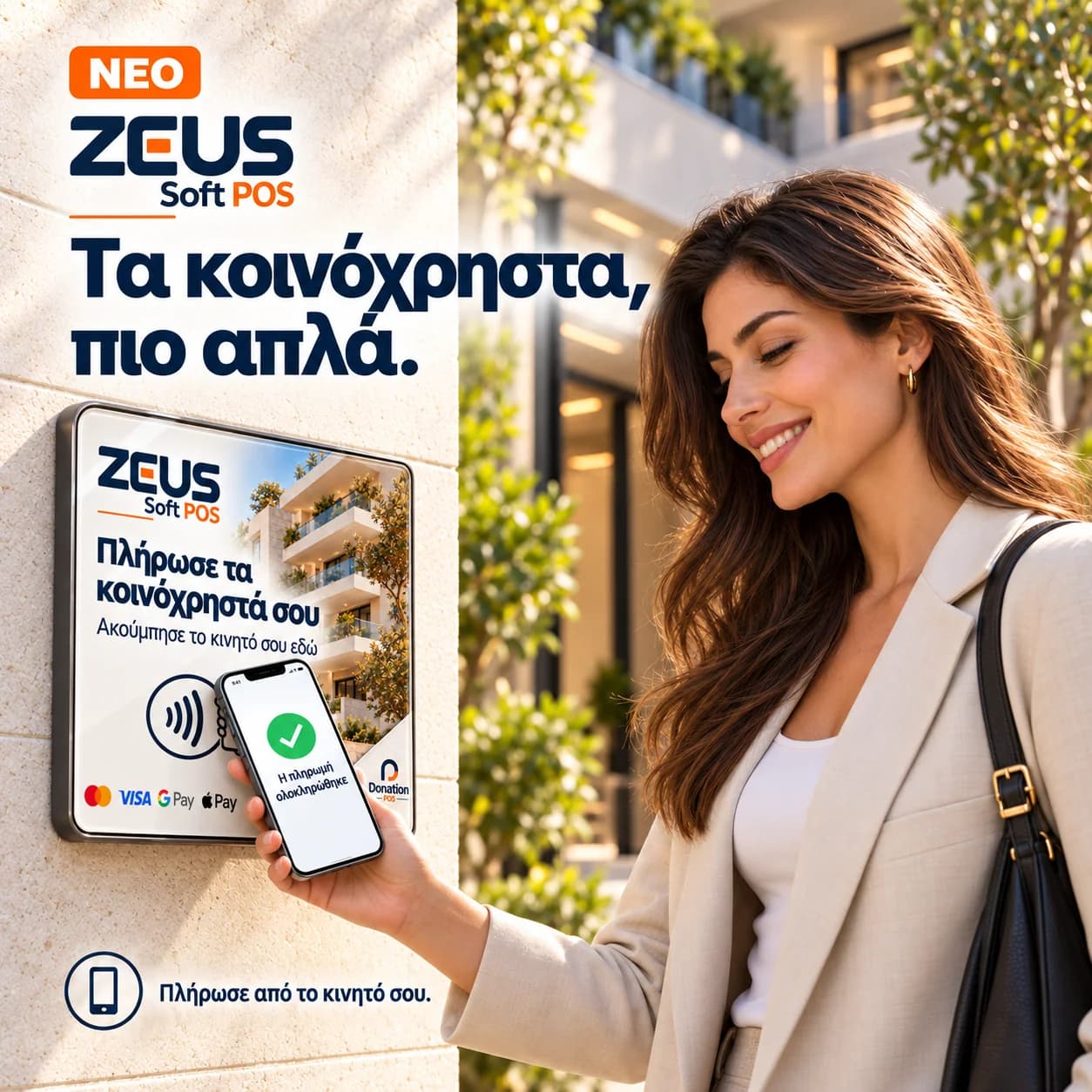
Turn your building entrance into the starting point for service charge payments. Residents hold their phone near the NFC sign, open the building link and continue the payment on their own screen.
LESS CHASING, BETTER ORGANISATION
The resident has no cash. The building manager is unavailable. A payment gets postponed and another call goes on the list. ZEUS Soft POS gives the building a clear, accessible place to begin paying its service charges.
Residents start on their own phones, without arranging a meeting to hand over cash.
The entrance sign gives a clear starting point where residents pass every day.
Verified online payments are allocated to the corresponding charges in the management ledger.
ZEUS SOFT POS
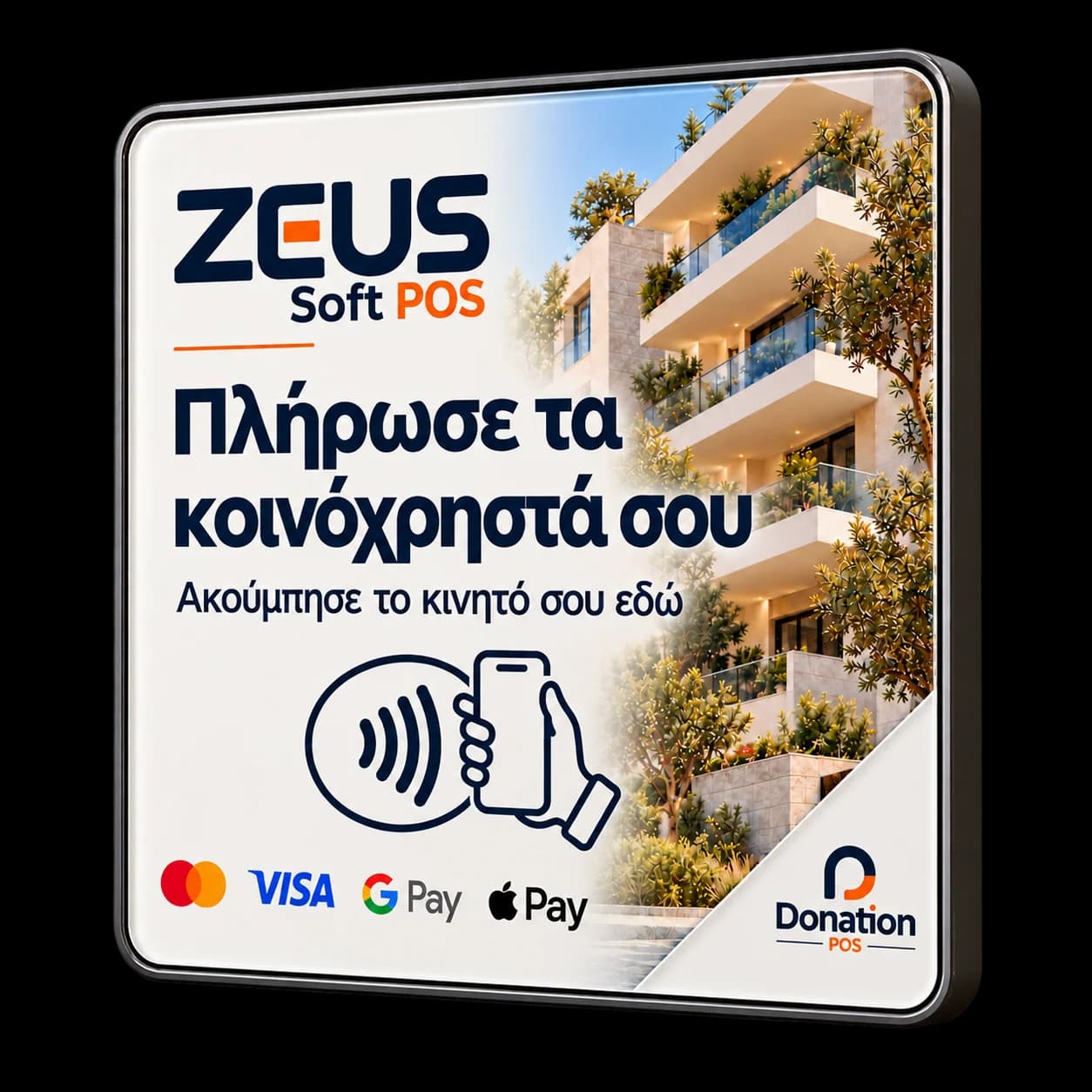
Illustrative product and installation visuals.
FROM THE ENTRANCE TO PAYMENT
Hold a compatible phone near the NFC point and open the building link that appears.
Select your apartment and follow the access verification using a code sent to your registered email.
Review the apartment’s total outstanding balance available for payment and continue to the enabled provider’s checkout.
Once the provider confirms the transaction, the payment is allocated to the corresponding charges and its confirmation becomes available.
The NFC tap opens a page; it does not automatically charge your card. You complete the payment through the steps shown on your phone.
FOR BUILDING MANAGERS AND MANAGEMENT COMPANIES
The sign is the resident’s starting point. ZEUS is where management follows the building, its apartments and recorded payments.
Connect payments to issued service charges and follow the balances of current residents.
The resident pays the apartment’s available total balance. Owner and tenant allocations remain separate in the records.
Private history opens after access verification. The entrance sign links to the building’s resident journey.
Online receipts are recorded after provider verification, so management works from the confirmed transaction.
A VISIBLE STARTING POINT
A clearly visible sign beside the noticeboard or another agreed shared location makes the payment journey easier to find and remember. We discuss signage and placement to suit your building.
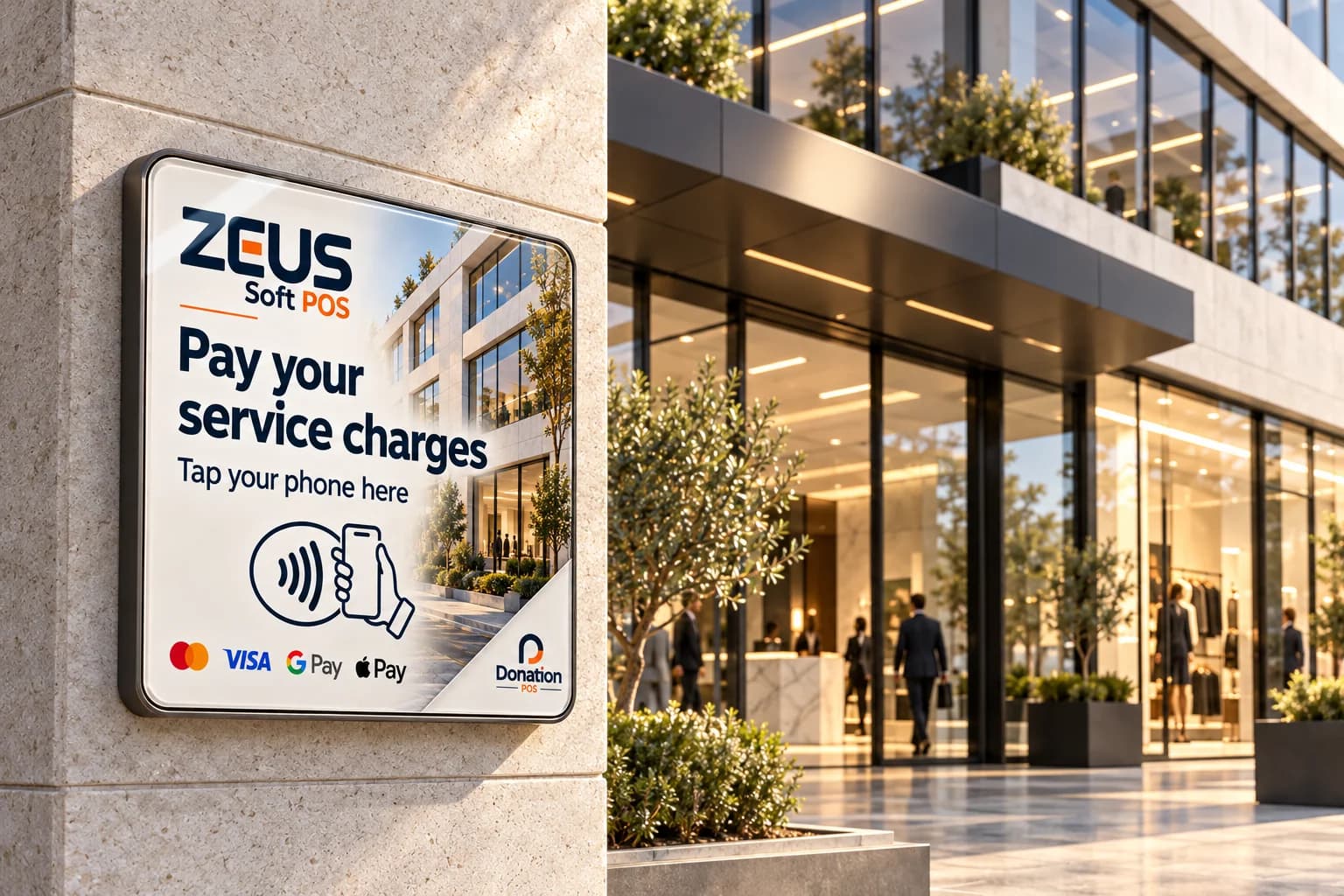
“Pay your service charges. Tap your phone here.” The NFC point takes residents to the next step, without searching for the right web address.
For residential building managers, housing complexes and management companies looking for an organised online collection option. Availability and activation are reviewed for each building.
Request a walkthrough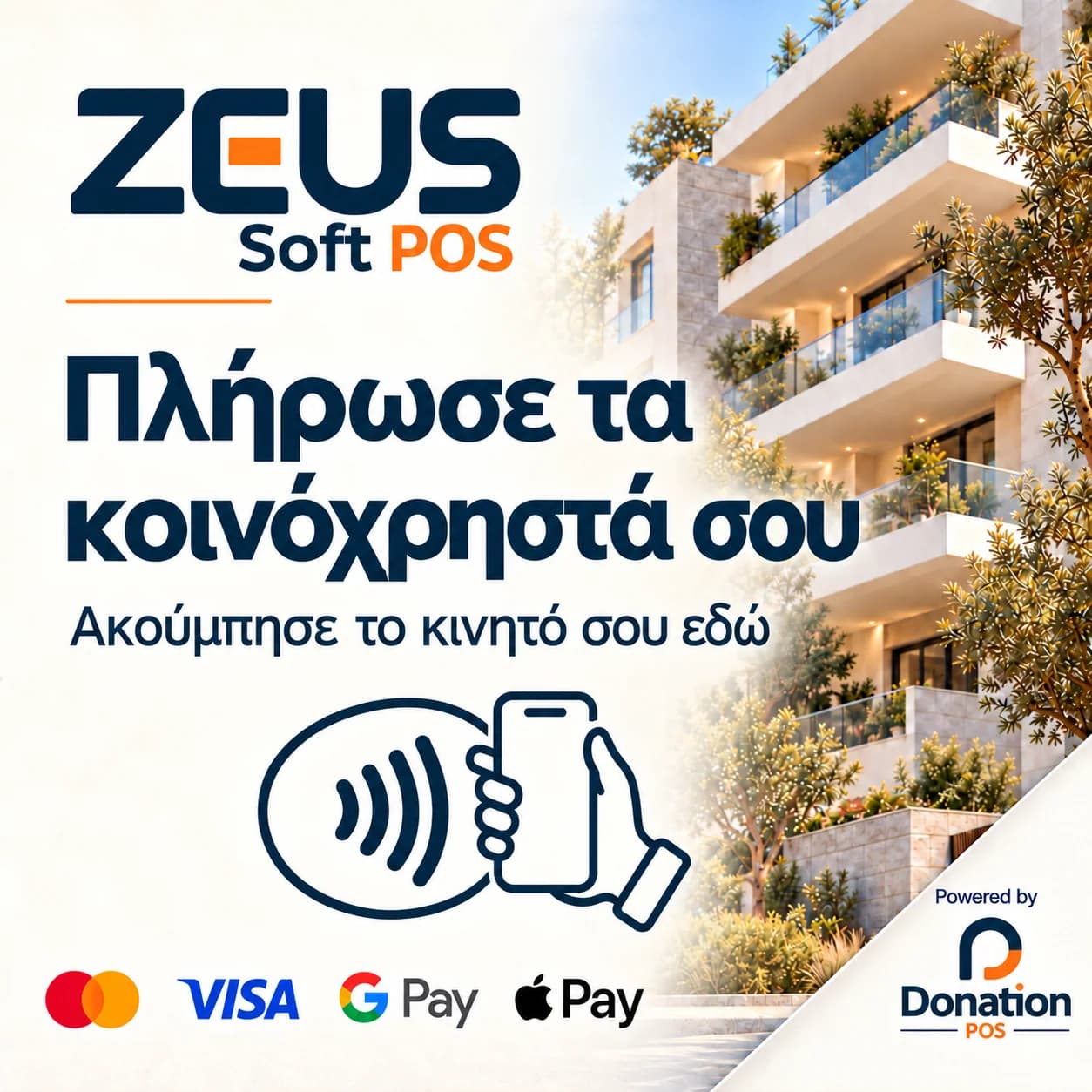
Available payment methods — cards, Apple Pay or Google Pay — depend on the enabled provider, account and device. Online collection is activated per building after the necessary checks.
FAQ
It is the Donation POS solution linking an entrance NFC sign to the building’s online service charge payment journey. The sign opens a link on a phone; it is not a standalone terminal that reads and charges bank cards.
The journey opens in the phone’s browser, without a separate Donation POS app. An internet connection is required, along with a compatible phone with NFC reading enabled to tap the sign.
Select your apartment and follow verification through your registered email. If the correct email has not been enrolled, an access request can be submitted for management to review before approval.
The available journey covers the apartment’s full issued outstanding balance for its current residents, preserving owner and tenant allocations. Resident-selected partial or arbitrary amounts are not supported in this journey.
The transaction is recorded after verification with the payment provider. Returning to the page or tapping the sign alone does not confirm a payment.
Request a proposal for your building or management company. Installation scope, services and payment charges are clarified before an agreement. Starting collection requires verification of the details and payment activation for the specific building.
LET’S LOOK AT YOUR BUILDING
Tell us how many buildings or apartments you manage and how you collect payments today. We will discuss the workflow, placement and costs for your requirements.
This form requests a walkthrough and proposal. It does not activate collections or take a payment.