Accepting donations
QR and online pages, physical POS and compatible equipment. Each channel is activated under the relevant payment provider’s requirements.
Channels and terminals →
Digital donation infrastructure
Donation POS connects POS and QR donations, supporter CRM, memberships and financial reporting. Your organisation works in Zeus, with payment channels and management tools enabled for its needs.
Payments handled by licensed providers
One continuous process
Interface preview · illustrative data
ZEUS DEMO
See Zeus in action. Explore members, donations, finances, campaigns and events in a ready-to-use demo organisation.
Enter the demo01 /Ways to give
Physical and digital channels are not separate products. They are entry points into the same verified organisation and the same set of records.
A static QR placed anywhere the organisation meets its supporters — an entrance, a stand, a leaflet, a screen. It opens a donation page carrying the organisation's own name, logo and purpose.

Bring your phone close to the stand’s NFC symbol and open the link that appears. On the donation page, choose an amount and complete your gift.
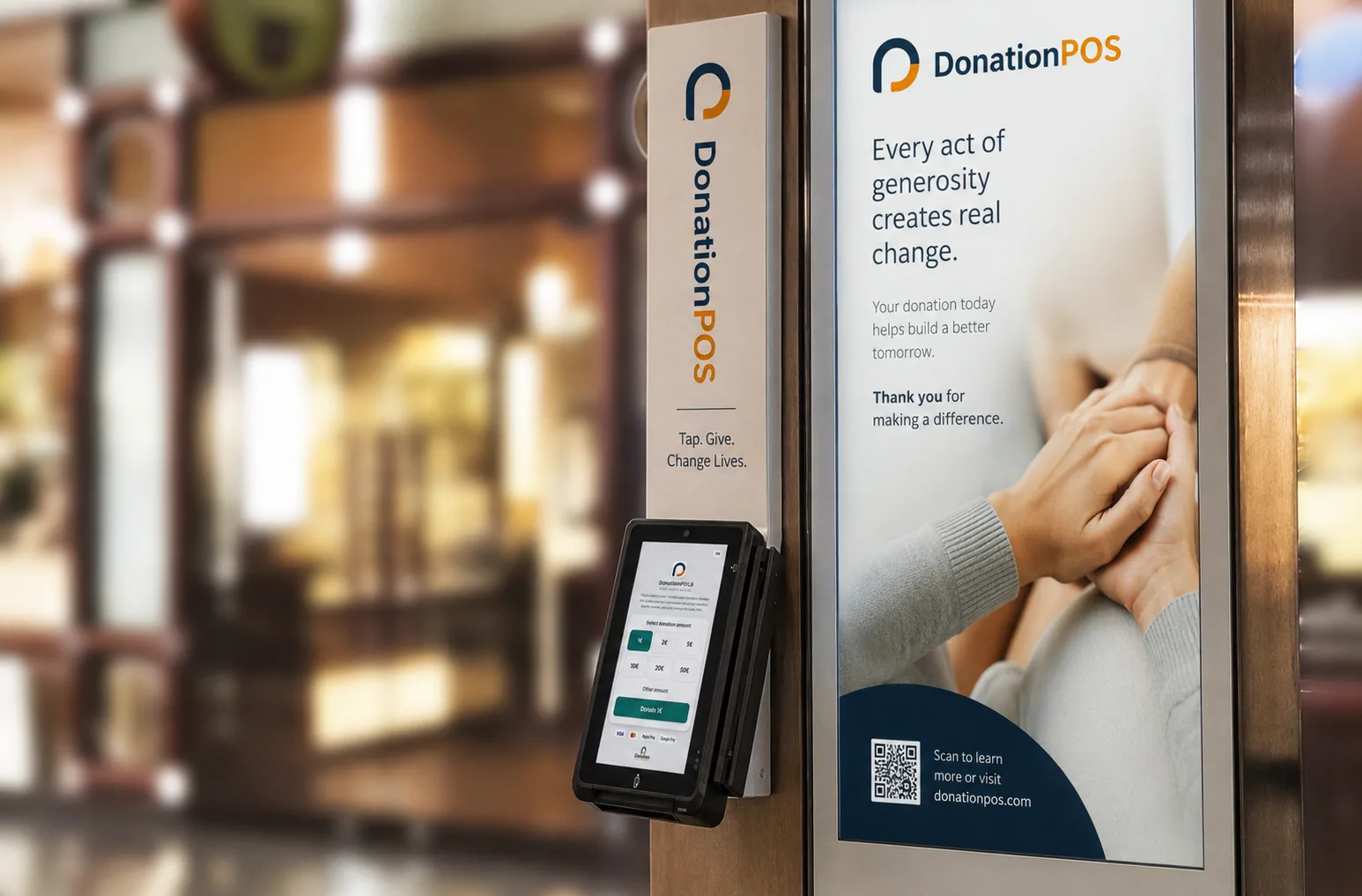
A physical donation terminal for places where supporters are already present. The donor selects an amount on the screen and taps a card or phone.
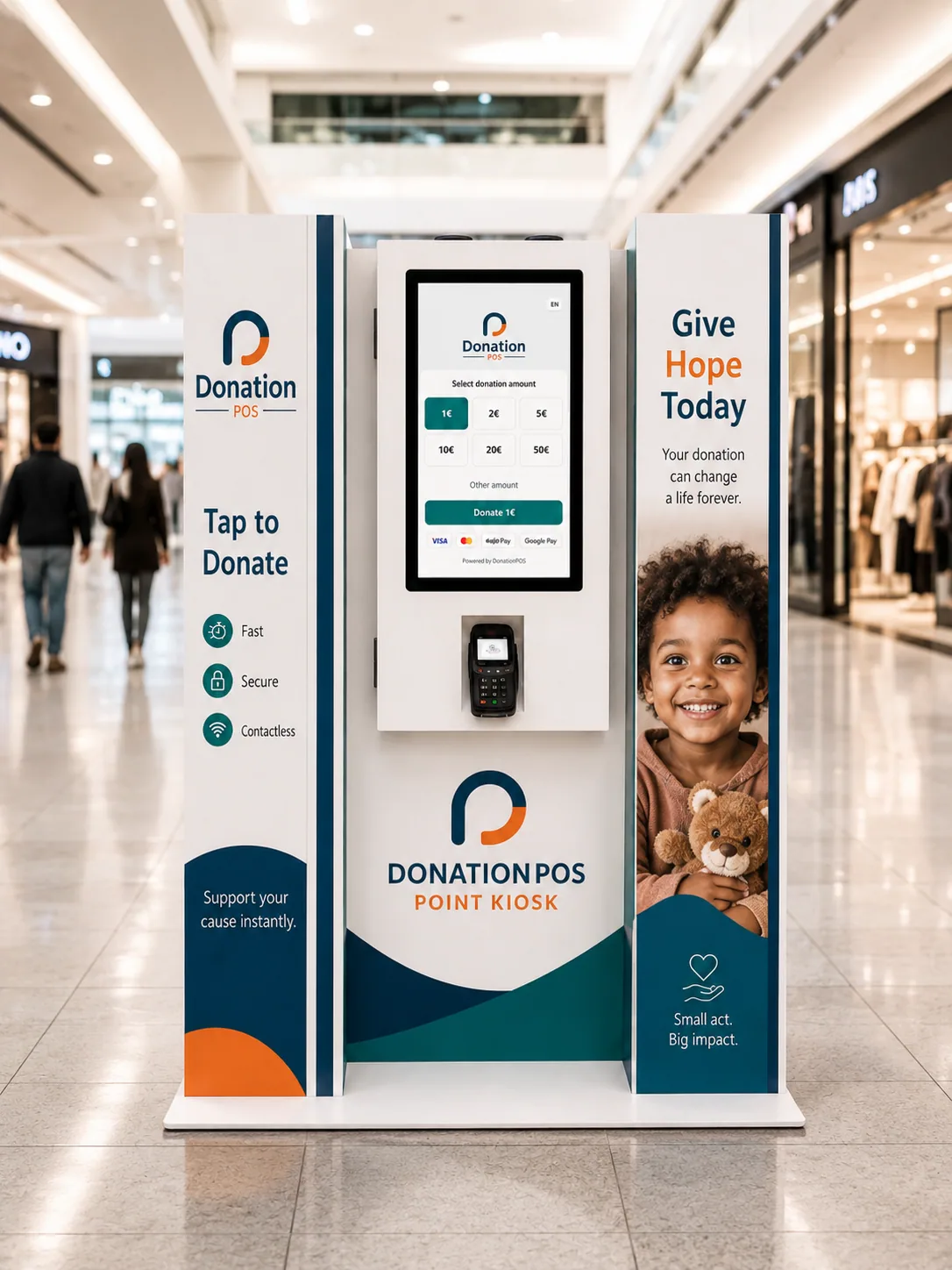
A larger touch screen for unattended locations, running the same donation journey as every other channel — no staff member has to operate it.
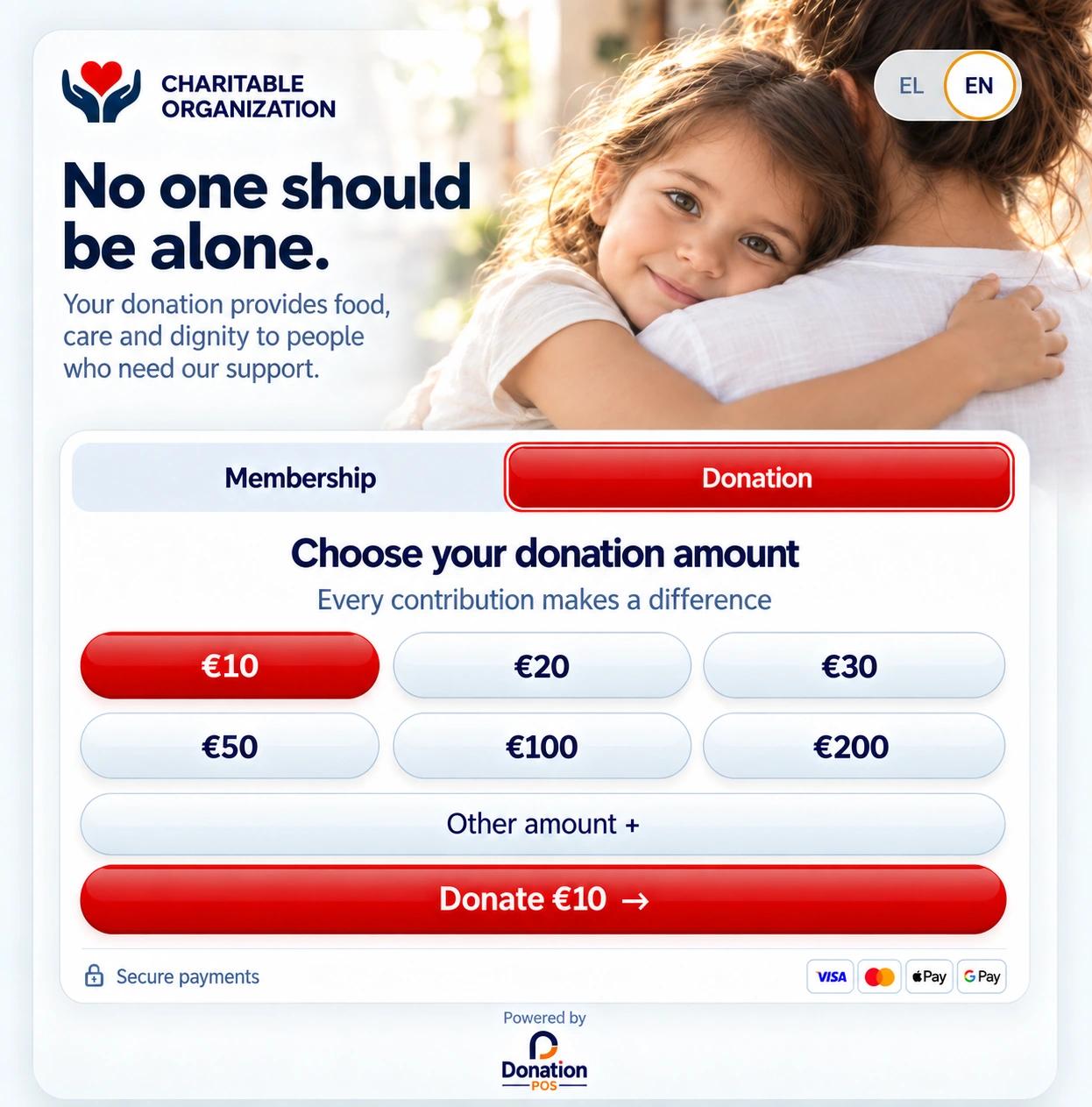
A hosted donation journey for the organisation's website, newsletters, social posts and campaigns — the same record-keeping as the physical channels.
ZEUS · ERP · CRM · PAYMENTS
After scanning the QR
Interface preview · illustrative data
Members pay their annual fee online, while the association follows its receipts in Zeus.
ZEUS · ERP · CRM · PAYMENTS
Annual membership fee
Interface preview · illustrative data
02 /The Donation POS ecosystem
From the moment of the donation to the financial report, everything runs inside the same ecosystem.
Donations · Campaigns · Supporter CRM
Explore the experience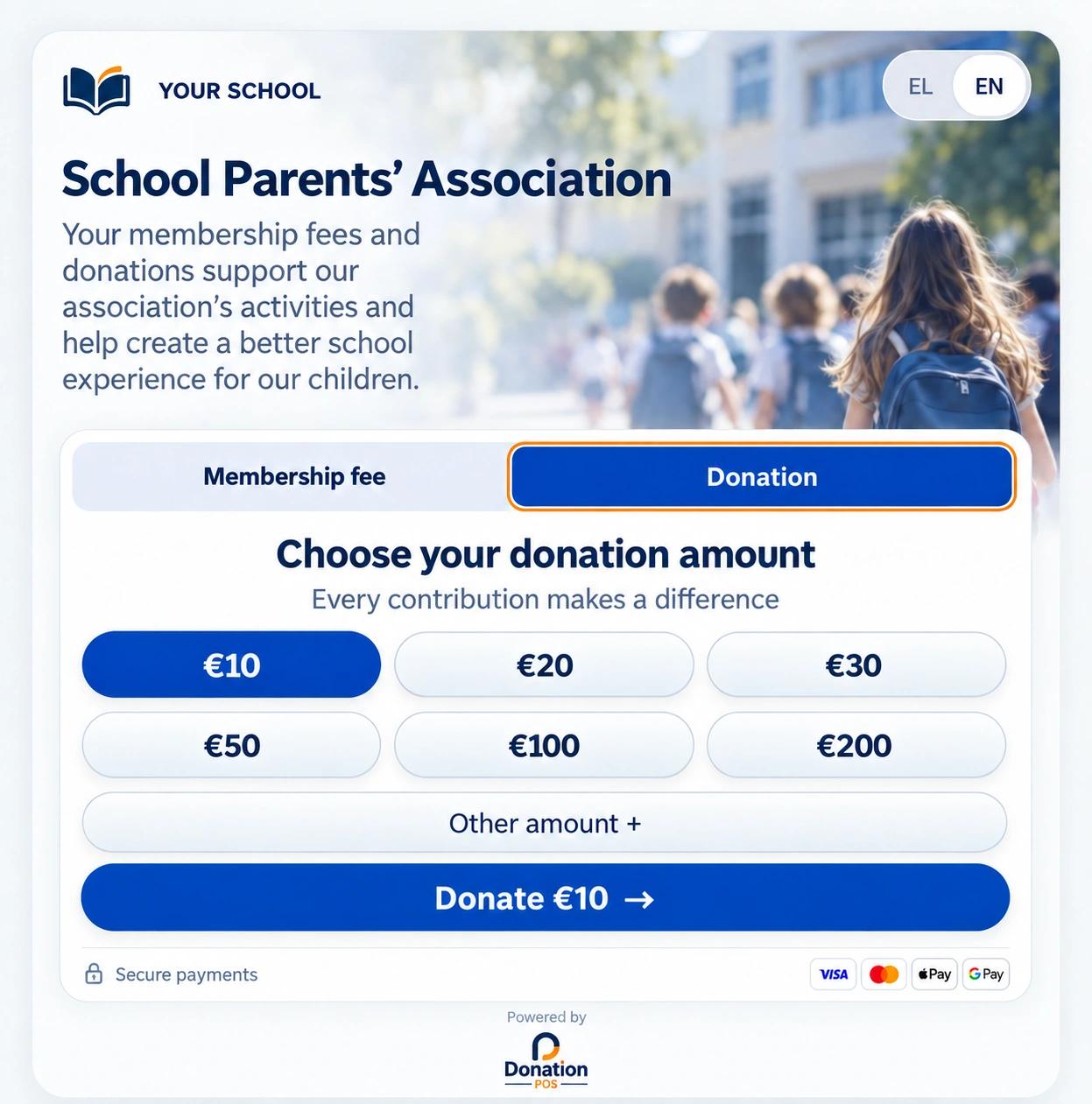
Donations · Memberships · School activities
Explore the experience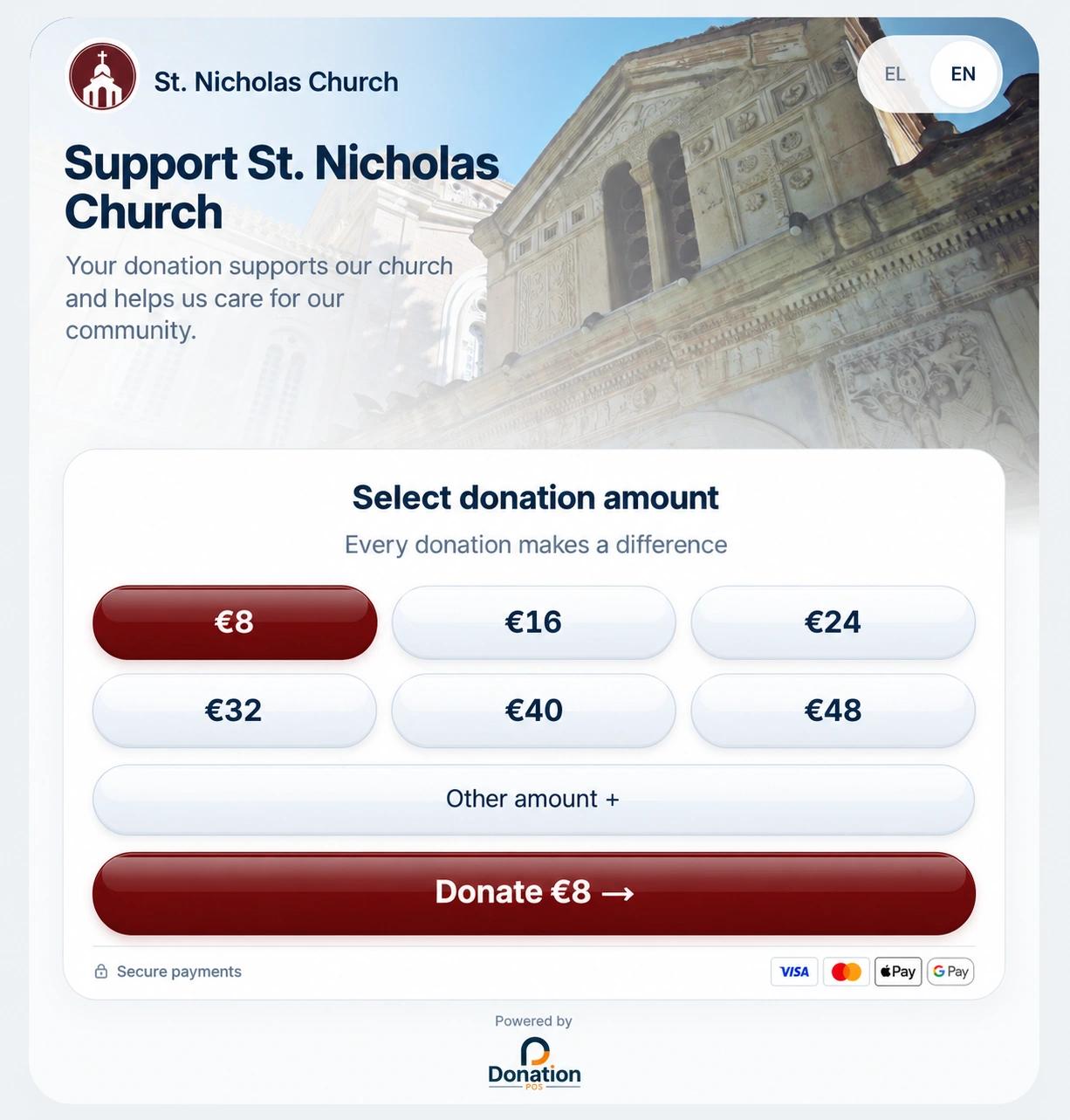
Donations · Zeus Ecclesia · Online Donations
Explore the experiencePOS · CRM · ERP
Donation POS is the ecosystem. Zeus is your organisation’s workspace. Payment services and management modules connect according to the organisation’s configuration and access permissions.
QR and online pages, physical POS and compatible equipment. Each channel is activated under the relevant payment provider’s requirements.
Channels and terminals →Your organisation manages available member and supporter information, campaigns and financial reports. Modules and access depend on enabled services and the user’s role.
Supporter management →Zeus provides the organisation’s financial view. Kronos supports platform administration. Connecting an external ERP requires confirmation for the specific application and data workflow.
ERP scope and workflows →FOR YOUR MISSION
Donation POS · Zeus
Explore Donation POS for nonprofits, charities, parent associations, religious communities and other registered organisations across all 27 EU member states, the United Kingdom, Switzerland, Norway, Iceland and other European countries.
Website language does not determine eligibility. Payment methods, provider onboarding, hardware delivery and commercial service availability depend on the country, the legal entity and the services requested. Confirm these with our team before activation.
Platform fees, provider processing fees, subscriptions, equipment and VAT are separate pricing items. Consult the published pricing and request confirmation for your organisation and country.
POS & KIOSKS
POS terminals and Flex 3 22″ for your organisation’s space.





Available cards and wallets depend on the payment provider and payment channel.
03 /Online Donations
A donation page you can put behind any link
A hosted donation journey for the organisation's website, newsletters, social posts and campaigns — the same record-keeping as the physical channels.
Interface preview · illustrative data
04 /One continuous process
Gives in seconds, in person or online
The organisation's own donation channels
Processed by a licensed payment provider
Confirmation and donation documentation
The gift is attached to a donor profile
Channel, campaign and period reporting
Funds reach the organisation's own account
Transparent & Secure
05 /Security & governance
Card processing runs through licensed payment providers. Donation POS is not a bank and not a payment institution — funds settle to each organisation's own payment account.
Each organisation controls who can see and do what, with roles separated between platform and organisation users.
Supporter data belongs to the organisation that collected it and is never shared across organisations by default.
Get started
Contact Us
For QR donations, POS terminals, donation stands, memberships or integration partnerships.
DONATION POS L.P. · GEMI 178825503000 · El. Venizelou 218, Kallithea 176 75, Greece