
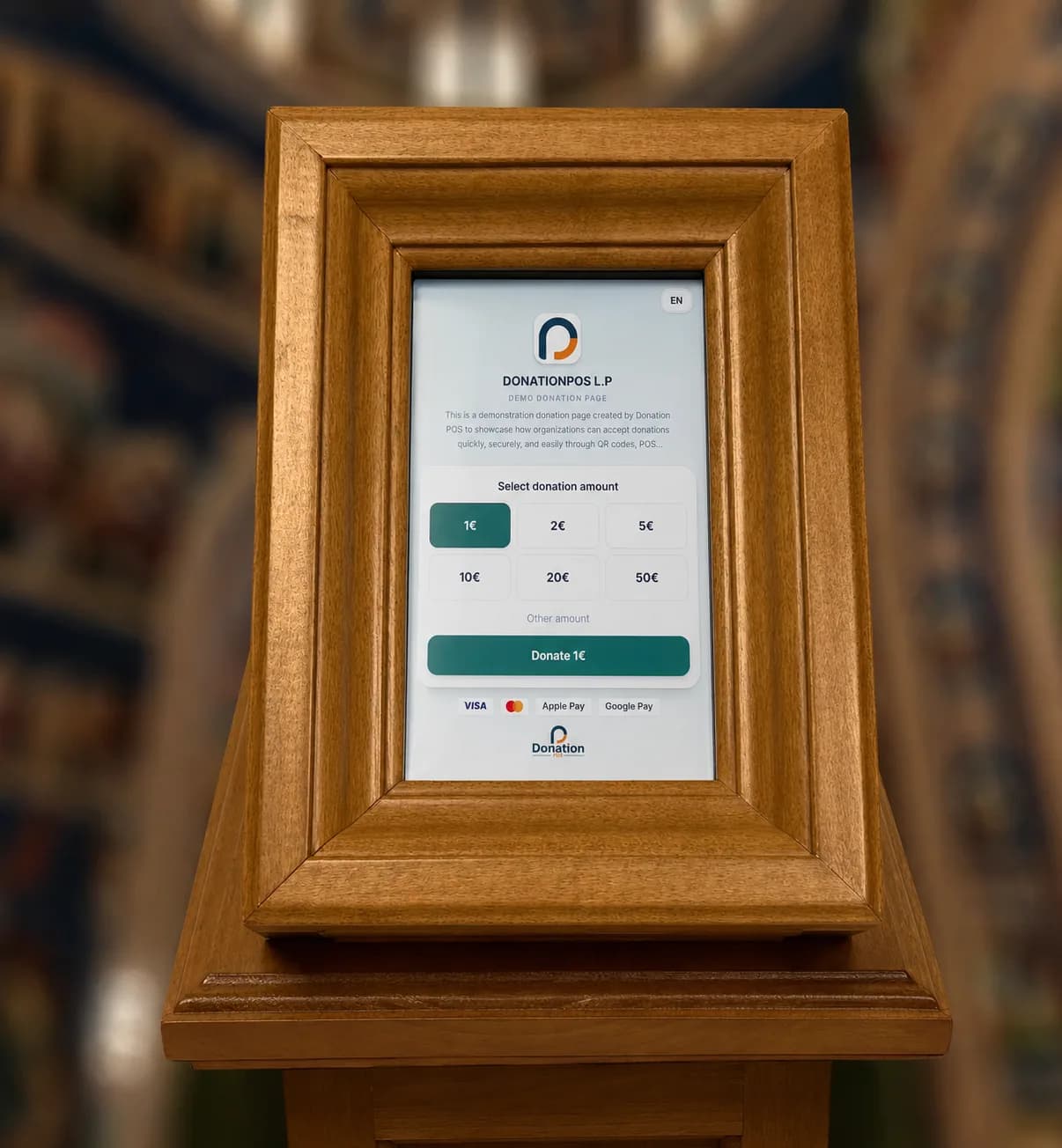
A terminal in a wooden frame
A hand-made housing that respects the character of the space, with the terminal built in.
Digital Donation Box
Replace the coin box with a digital donation box: the visitor taps a card on the terminal and gives in seconds — or scans the QR from their phone. Cashless, fully transparent and accounted for.
And by QR
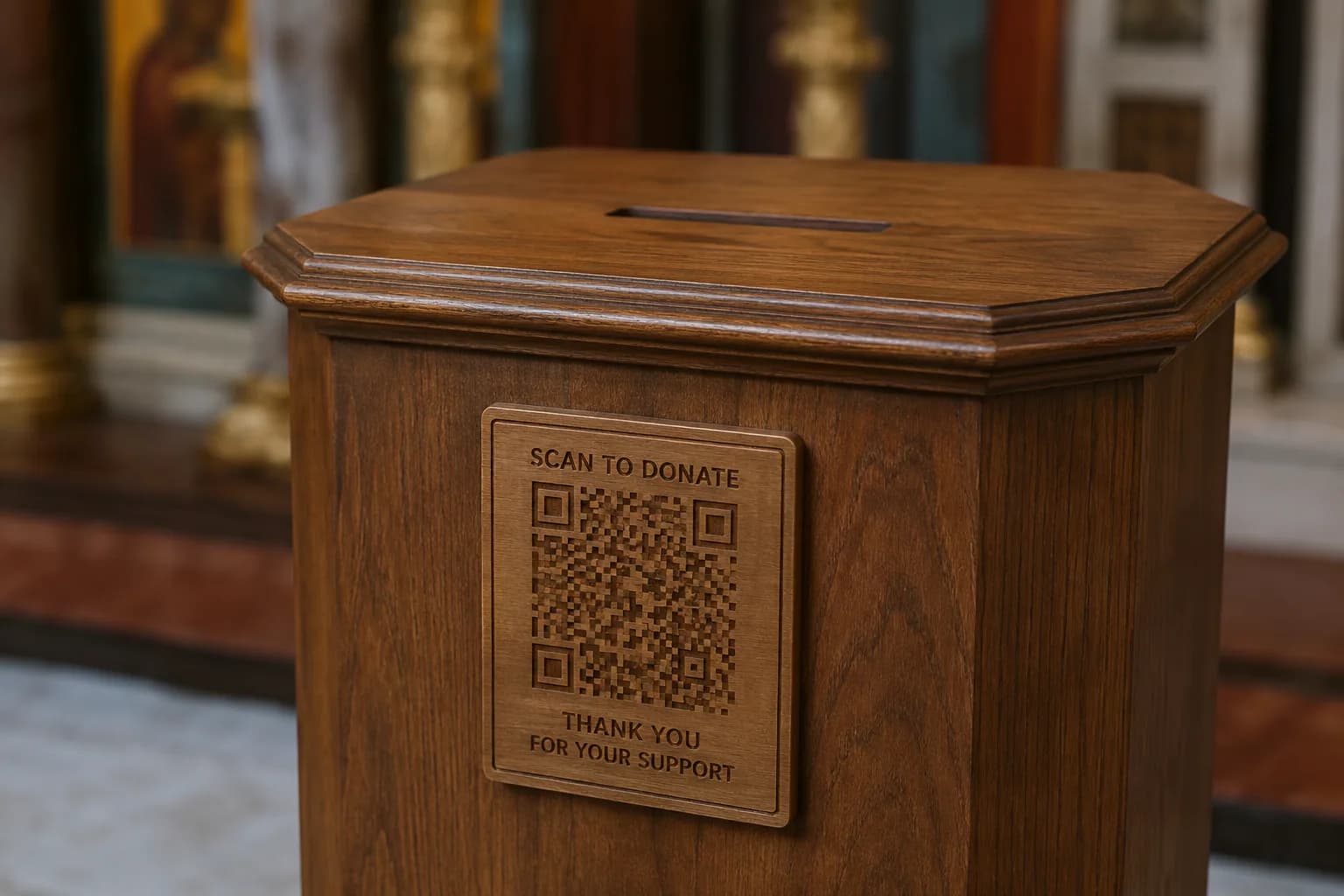
For the visitor who prefers their own phone, the code is carved into the wood — not a sticker stuck onto the furniture. It opens the same donation page as the terminal, and the gift is recorded against the same point.
Inside the church
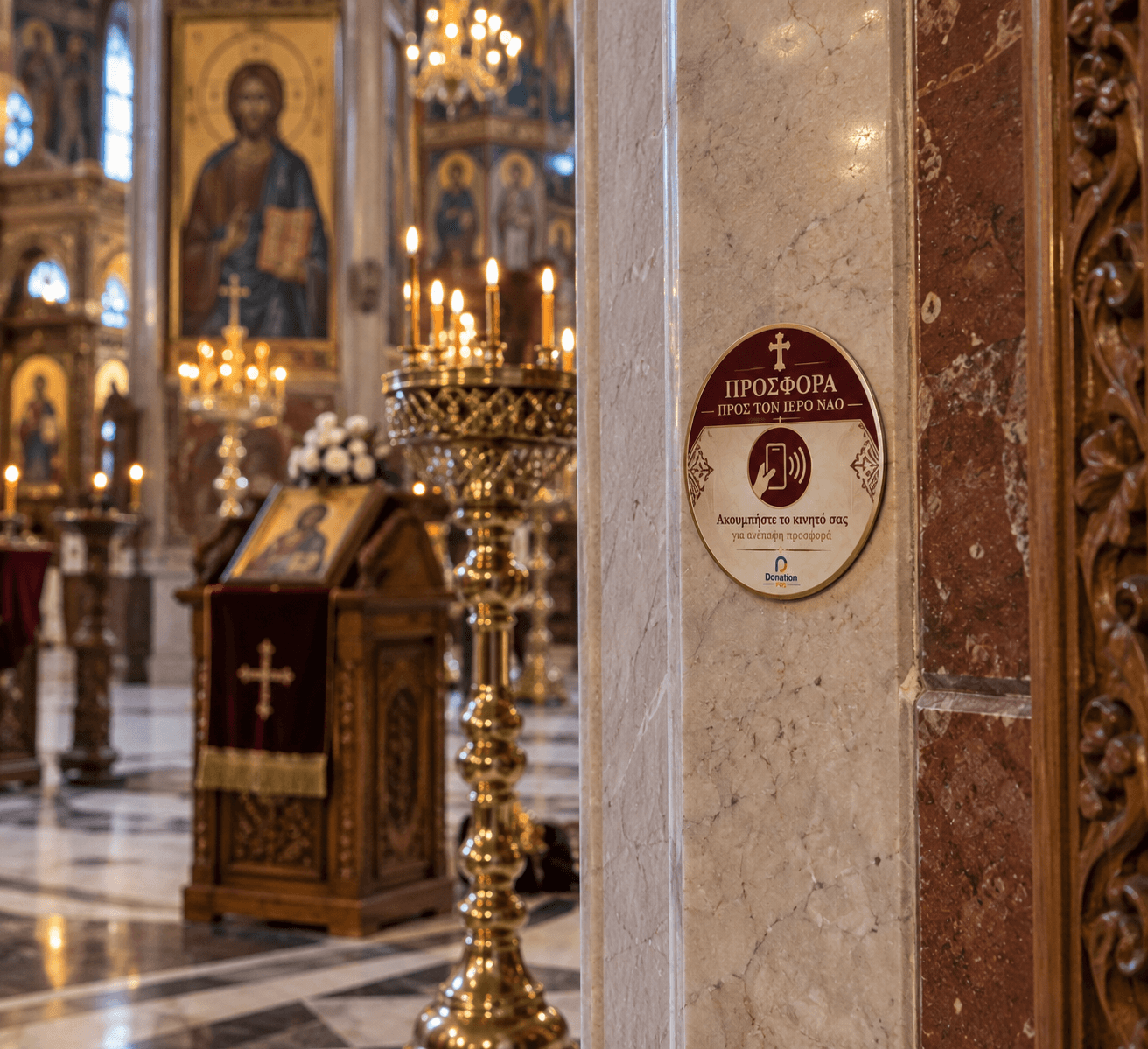
A wall-mounted contactless donation plaque that complements the character of the church, alongside traditional donation points.
Donation POS wooden stand
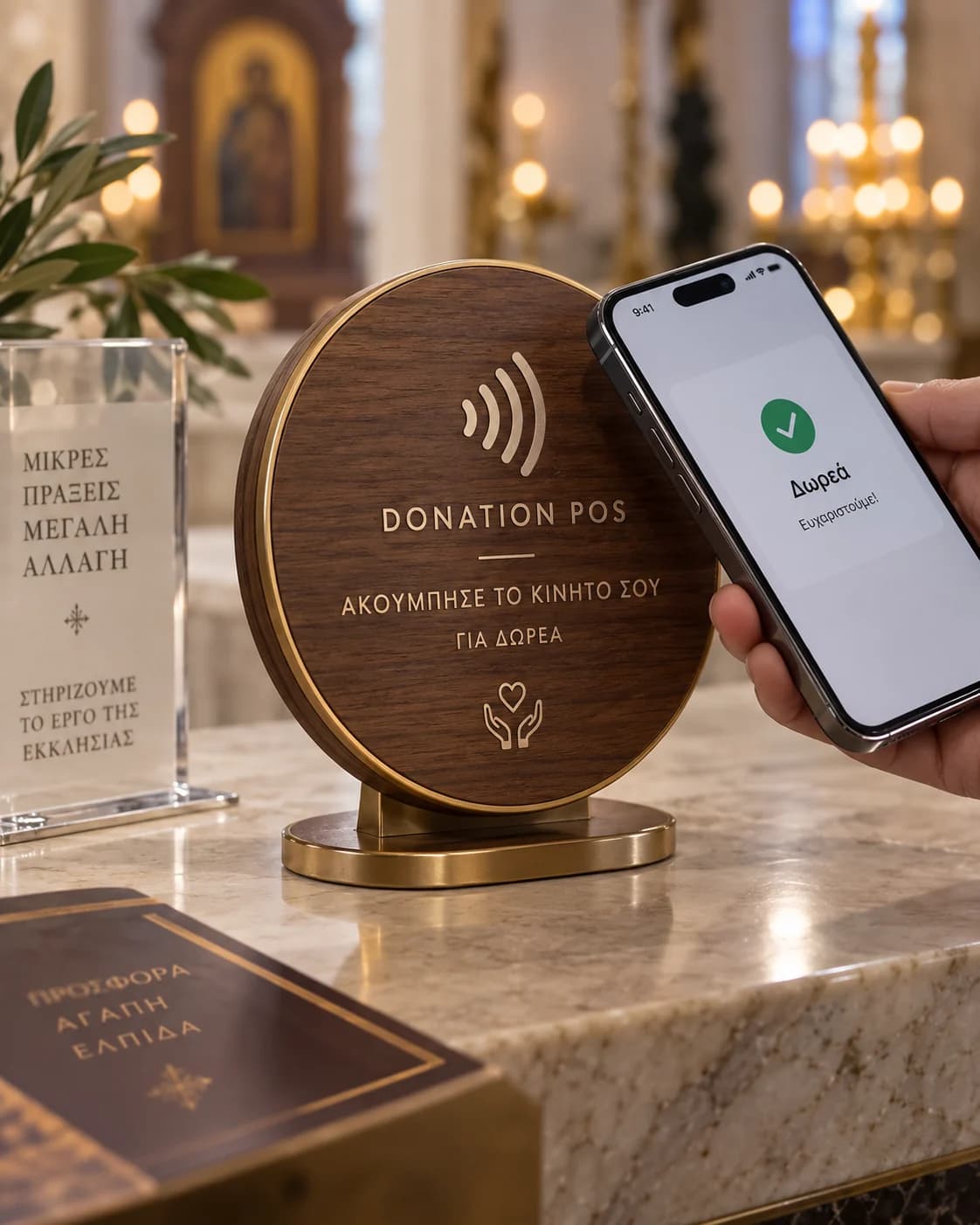
Warm wood and gold-coloured details complement the character of the church. A discreet tabletop stand invites visitors to support its work from their own phone.
The visitor picks an amount on the terminal's screen.
They tap a card, Apple Pay or Google Pay. Or they scan the QR from their phone instead.
The funds settle to the organisation's account and are booked automatically.
A hand-made housing that respects the character of the space, with the terminal built in.
Cards, Apple Pay and Google Pay — the donor does not even need to take out their phone.
For anyone who prefers their own phone, the QR opens the same donation page.
A donation page with your organisation's logo, colours and wording.
Separate donation points per church, chapel or cause, each with its own reporting.
Every donation is recorded, settled and shown in detailed reports.
A digital donation box with a terminal at the entrance or by the candles, for cashless offerings.
QR codes on events, leaflets and posters for instant gifts from supporters.
A discreet contribution point that respects the space and its visitors.
No. They tap their card on the terminal. If they prefer their phone, they scan the QR — no app required.
Straight to your organisation's bank account via settlement — Donation POS does not hold the funds.
A transparent fee per donation, with no hidden charges. See the full breakdown on the pricing page.
Yes — separate donation points per church, chapel or cause, each reported on its own.
Zeus Ecclesia · by Donation POS
The digital donation box is the beginning. Zeus Ecclesia brings donations, financial oversight and parish administration together in one ERP, CRM and payments environment. A central view for your team, connecting each contribution to the work it supports.
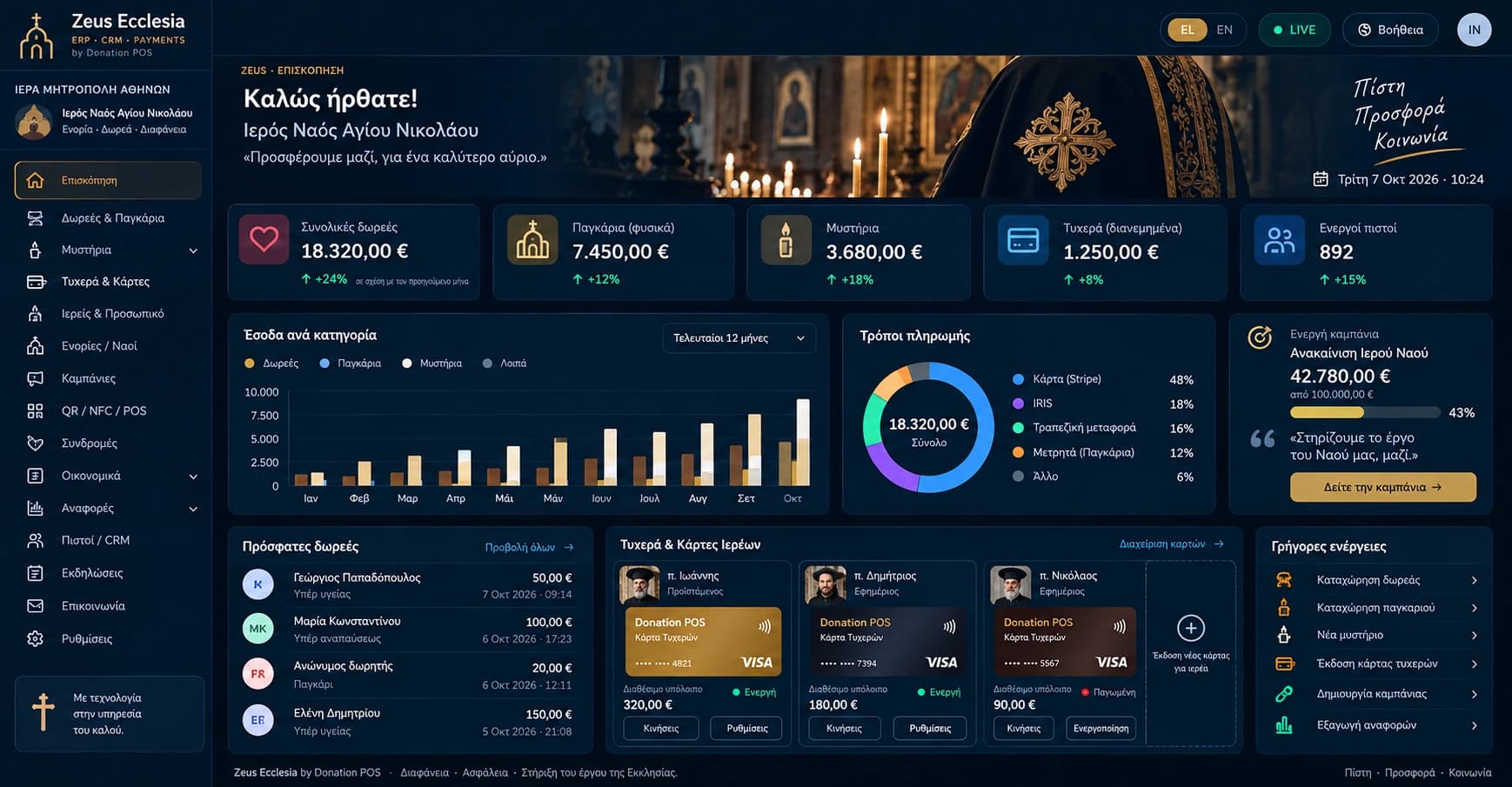
An overview of contributions, physical collection boxes and QR, NFC and POS donation points, with donation history and a breakdown by payment method.
Income by category and period, comparisons and reports to help your team follow the parish’s financial progress.
Organisation of churches and parishes, sacrament records and clergy and staff information in a shared environment.
Member and donor records, subscriptions, events and communication to maintain lasting connections with your community.
Track funds raised and progress towards each campaign’s target, from church restoration to charitable work.
An overview of distributed clergy offerings, balances, transactions and card status, as presented in the dashboard.
Start with a terminal in the housing that suits your space, and add QR codes or a kiosk whenever you need them.